
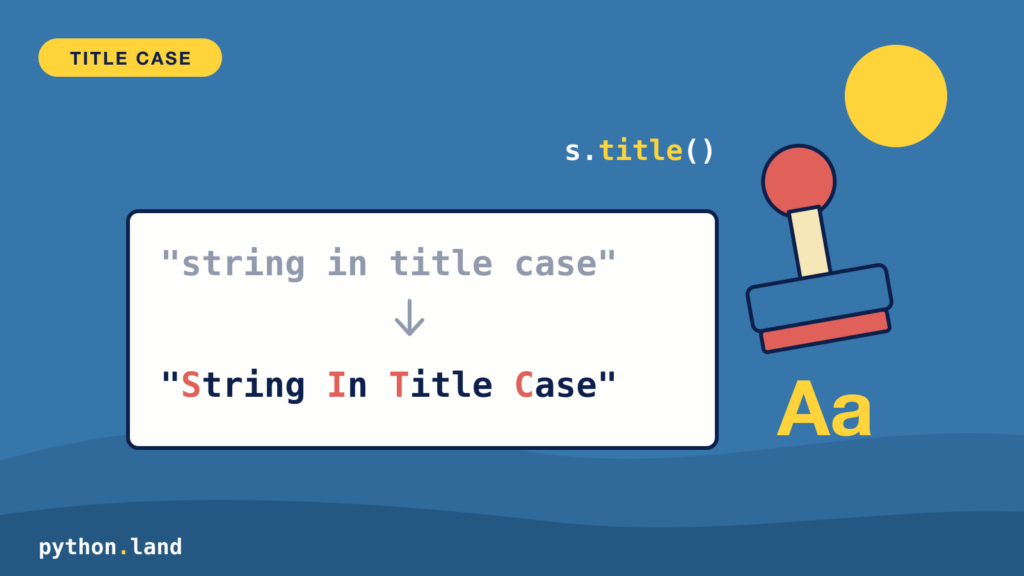
With this trick, you can quickly convert a Python string to title case. To quote from the Wikipedia article:
“Title case or headline case is a style of capitalization used for rendering the titles of published works or works of art in English. When using title case, all words are capitalized except for “minor” words.”
Title case is often used, both in offline and online printing. This site itself uses title case for all its articles. If you look closely, you’ll notice most websites, newspapers, and magazines are, in fact, using title case.
You can quickly create a title case string in Python; just use the built-in title() method:
>>> title = "string in title case"
>>> title.title()
'String In Title Case'Code language: Python (python)
Unfortunately, this doesn’t work very well:
- If the string contains apostrophes, it results in this: They’Re Not Working
- Small words like ‘in’ and ‘no’ should not be title cased but are
Fix apostrophes with string.capwords()
The standard library has a fix for the first problem. The capwords() function in the string module splits the string on whitespace, capitalizes each word, and joins them back together:
>>> import string
>>> string.capwords("they're not working")
"They're Not Working"
>>> string.capwords("the lord of the rings")
'The Lord Of The Rings'Code language: Python (python)
The apostrophe problem is gone. It still capitalizes small words like ‘of’ and ‘the’, though. Also note that it replaces multiple spaces between words with a single space.
Using regular expressions
A more robust version to convert a string to title case is as follows, and it uses regular expressions. You need to import the built-in module re:
import re
def titlecase(s):
    return re.sub(r"[A-Za-z]{3,}('[A-Za-z]+)?",
       lambda mo: mo.group(0).capitalize(), s)

titlecase("It's great, and no small words")
# "It's Great, And no Small Words"Code language: Python (python)
The regular expression:
- Matches all words individually, both with and without apostrophes.
- Doesn’t match words smaller than 3 character, which is usual when title casing headlines
As you can see, this isn’t perfect either. It skips short words based on their length, so ‘no’ stays lowercase, but ‘and’ and ‘the’ have three letters and get capitalized anyway. And because it only looks at the letters A to Z, it gets confused by accented characters:
>>> titlecase("élan and the café")
'éLan And The Café'Code language: Python (python)
Using a list of small words
Instead of guessing by length, you can list the words you don’t want to capitalize. This version always capitalizes the first word, keeps the small words lowercase, and only touches the first letter of the other words. Because it doesn’t use a regular expression for letters, it handles accented characters and apostrophes fine:
SMALL_WORDS = {'a', 'an', 'and', 'as', 'at', 'but', 'by', 'for', 'in',
               'nor', 'of', 'on', 'or', 'the', 'to', 'with'}

def titlecase(s):
    words = s.split()
    result = []
    for i, word in enumerate(words):
        if i > 0 and word.lower() in SMALL_WORDS:
            result.append(word.lower())
        else:
            result.append(word[:1].upper() + word[1:])
    return ' '.join(result)

titlecase("the lord of the rings")
# 'The Lord of the Rings'
titlecase("they're not working, and that's fine")
# "They're Not Working, and That's Fine"
titlecase("élan in the café")
# 'Élan in the Café'Code language: Python (python)
You’re free to further adapt this piece of code to your liking. E.g., you could add more small words, or make sure the last word of a title is always capitalized, as many style guides want.
If you need proper headline rules, with all their exceptions, use the titlecase package from PyPI. It’s a port of John Gruber’s well-known title case script. Its list of small words comes from the New York Times Manual of Style, and it uses some clever rules to leave abbreviations alone. Install it in a virtual environment with pip install titlecase:
>>> from titlecase import titlecase
>>> titlecase('a tale of two cities')
'A Tale of Two Cities'Code language: Python (python)