
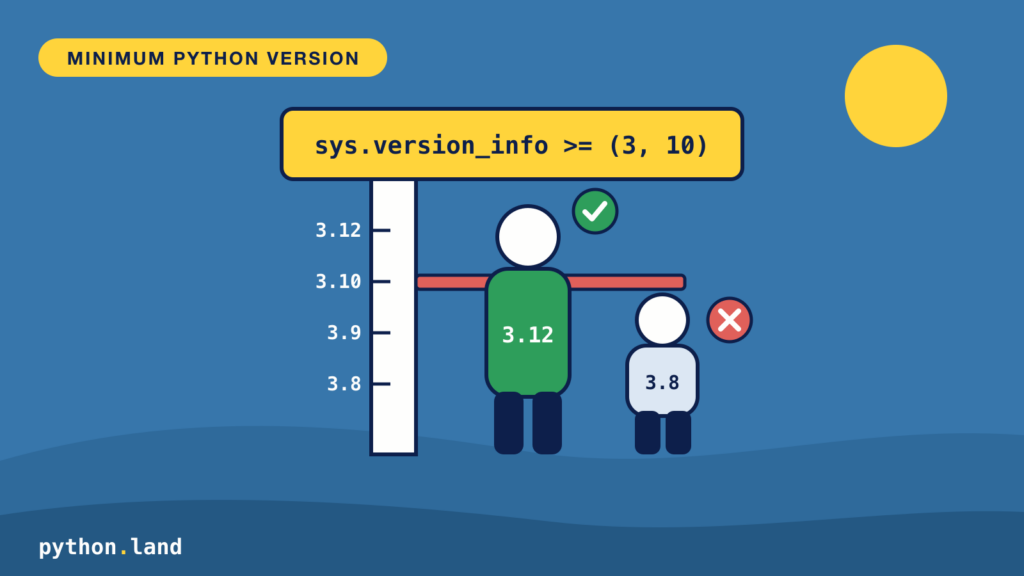
You can check for the Python version in your code, to make sure your users are not running your script with an incompatible version. All you need to do is import the module sys and compare sys.version_info with the minimum version you need. Use this simple check:
import sys

if sys.version_info < (3, 12):
    sys.exit("This script needs Python 3.12 or newer")

print("All good!")Code language: Python (python)
If the version is too old, sys.exit() prints the message and stops the script with exit code 1. Otherwise, the script just continues.
How the check works
sys.version_info isn’t a function, but a named tuple with the parts of the version number:
>>> import sys
>>> sys.version_info
sys.version_info(major=3, minor=15, micro=2, releaselevel='final', serial=0)Code language: Python (python)
Python compares tuples item by item, from left to right. So (3, 15, 2, 'final', 0) < (3, 12) is False, because 15 is bigger than 12, and the check passes. You only need to give as many numbers as you care about; (3, 12) means “3.12, any patch release”.
To show the user which version they have, use platform.python_version(), which returns a plain string like '3.15.2':
import platform
import sys

if sys.version_info < (3, 16):
    sys.exit(f"This script needs Python 3.16 or newer, you have {platform.python_version()}")Code language: Python (python)
Running this on Python 3.15 gives:
This script needs Python 3.16 or newer, you have 3.15.2The catch: new syntax
There’s one thing this check can’t do. Python reads and compiles your whole file before it runs the first line. If the file uses syntax that an older Python doesn’t understand, that Python stops with a SyntaxError before it ever reaches your check. For example, this script uses the type parameter syntax from Python 3.12:
import sys

if sys.version_info < (3, 12):
    sys.exit("This script needs Python 3.12 or newer")

def first[T](items: list[T]) -> T:
    return items[0]

print(first([1, 2, 3]))Code language: Python (python)
On Python 3.11, you never see the friendly message:
File “…/typed.py”, line 6 def first[T](items: list[T]) -> T: ^ SyntaxError: expected ‘(‘The fix is to do the check in a small file that only uses old syntax, and import the rest of your program after it. For example, put the check in your main.py and the real code in a separate module that you import after the check.
Set requires-python for packages
If you distribute your code as a package, there’s a better way: declare the minimum version in pyproject.toml. Tools like pip and uv read it and refuse to install your package on a Python that’s too old:
Your users then get a clear error at install time instead of a crash later. This is what pip says when a package requires Python 3.16 and you have 3.15:
ERROR: Package ‘myapp’ requires a different Python: 3.15.2 not in ‘>=3.16’Even then, a check in your code doesn’t hurt for scripts that people run directly.
Which minimum version should you pick?
Pick the oldest Python version that still gets security fixes, unless you need a newer feature. At the moment that’s Python 3.11, since 3.10 reached its end of life in October 2026. The official Python versions page shows which versions are still supported.
Want to check your Python version on the command line instead? Use python3 --version, as explained in how to check your Python version.