
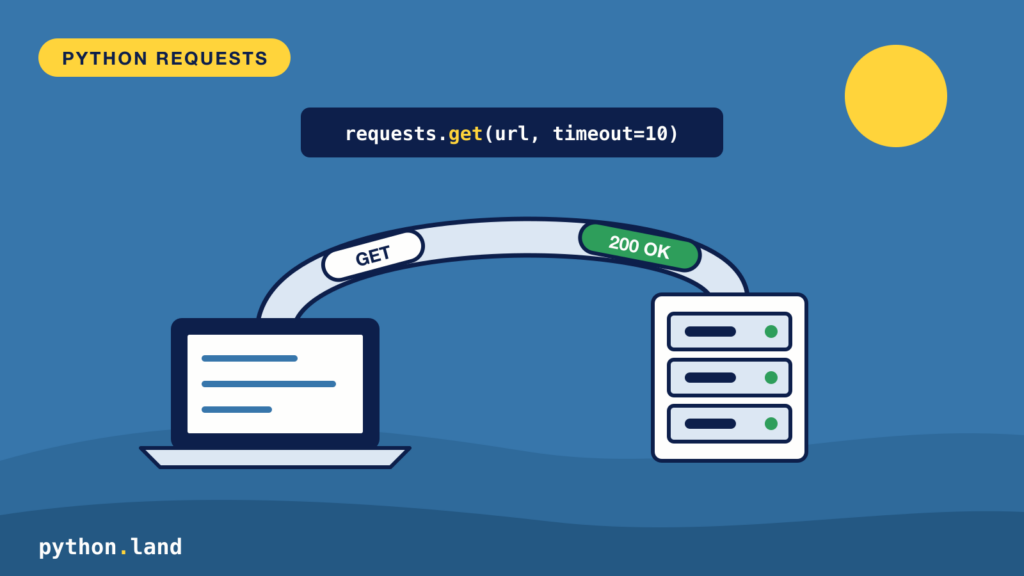
Python requests is the most popular library for making HTTP requests in Python: one readable line like requests.get(url, timeout=10) fetches a web page or calls an API. In this tutorial, you’ll learn how to fetch data, send data, handle errors, and avoid the two most common mistakes: forgetting a timeout, and trusting a response without checking its status.
All examples use httpbin.org, a free service that echoes back what you send it, so you can see exactly what requests puts on the wire.
How to install Python requests
Requests is not part of the standard library, so install it with pip, preferably inside a virtual environment:
python -m pip install requestsCode language: Bash (bash)If you’re new to installing packages, read how to install packages with pip first.
ModuleNotFoundError: No module named ‘requests’
If import requests fails with this error, requests isn’t installed in the Python that runs your script:
ModuleNotFoundError: No module named 'requests'Code language: plaintext (plaintext)Usually you installed it, but into a different Python: the system one instead of your virtual environment, or the other way around. Running pip through the same python you use for your script rules that out:
python -m pip install requests
python -m pip show requestsCode language: Bash (bash)
The second command prints the installed version and where it lives. If you use a virtual environment, activate it first, and make sure your editor runs your code with that environment’s Python too.
Python requests GET: your first request
A GET request asks a server for something. Here’s the simplest version:
import requests

response = requests.get("https://httpbin.org/get", timeout=10)
print(response.status_code)
print(response.headers["Content-Type"])
data = response.json()
print(data["url"])Code language: Python (python)
200
application/json
https://httpbin.org/getCode language: plaintext (plaintext)The response object holds everything the server sent back:
response.status_code: the HTTP status, like 200 (OK) or 404 (Not Found).response.headers: the response headers, as a case-insensitive dictionary.response.text: the body as a string.response.json(): the body parsed from JSON into Python dictionaries and lists.response.content: the body as raw bytes, for images and other binary files.
Always set a timeout in requests
See the timeout=10 above? Leave it out and requests will wait forever for a server that accepts the connection but never answers. Your script just hangs, with no error. Always pass a timeout:
import requests

try:
    requests.get("https://httpbin.org/delay/5", timeout=2)
except requests.Timeout:
    print("No answer within 2 seconds, giving up")Code language: Python (python)
No answer within 2 seconds, giving upCode language: plaintext (plaintext)The /delay/5 endpoint waits five seconds before answering, so our two-second limit kicks in.
Query parameters and headers
Don’t glue query strings together yourself. Pass a dictionary as params and requests encodes it correctly, including spaces and special characters. Custom headers go in headers:
import requests

response = requests.get(
    "https://httpbin.org/get",
    params={"q": "python sockets", "page": 2},
    headers={"User-Agent": "python-land-example/1.0"},
    timeout=10,
)
print(response.url)
print(response.json()["headers"]["User-Agent"])Code language: Python (python)
https://httpbin.org/get?q=python+sockets&page=2
python-land-example/1.0Code language: plaintext (plaintext)Many APIs expect an API key in a header, often as Authorization: Bearer <token>. Keep such keys out of your source code; read them from an environment variable instead.
Check the response status code
A 404 or 500 response is not an exception in requests. The request worked; the server just said no. If you call .json() on an error page, you’ll get confusing errors later. Check the status first, or let raise_for_status() raise an exception for any 4xx or 5xx status:
import requests

response = requests.get("https://httpbin.org/status/404", timeout=10)
print(response.status_code, response.ok)
try:
    response.raise_for_status()
except requests.HTTPError as error:
    print("Failed:", error)Code language: Python (python)
404 False
Failed: 404 Client Error: Not Found for url: https://httpbin.org/status/404Code language: plaintext (plaintext)As a rule of thumb, read the status class first: 2xx means success, 3xx a redirect (requests follows those for you), 4xx a problem with your request, and 5xx a problem on the server. A 429 means you’re sending too many requests; slow down.
Python requests POST with JSON
To create something on the server, you usually send a POST request with a JSON body. Pass a dictionary as json and requests serializes it and sets the Content-Type header for you:
import requests

book = {"title": "Dune", "author": "Frank Herbert"}
response = requests.post("https://httpbin.org/post", json=book, timeout=10)
echo = response.json()
print(echo["headers"]["Content-Type"])
print(echo["json"])Code language: Python (python)
application/json
{'author': 'Frank Herbert', 'title': 'Dune'}Code language: plaintext (plaintext)Use data= instead of json= when an API expects a classic HTML form. requests.put(), requests.patch() and requests.delete() work the same way.
Python requests Session: several requests, one connection
If you make more than a couple of requests to the same site, use a Session. It keeps cookies between requests, lets you set headers once, and reuses the underlying connection, which makes repeated requests noticeably faster:
import requests

with requests.Session() as session:
    session.headers["User-Agent"] = "python-land-example/1.0"
    session.get("https://httpbin.org/cookies/set/flavour/chocolate", timeout=10)
    response = session.get("https://httpbin.org/cookies", timeout=10)
    print(response.json())Code language: Python (python)
{'cookies': {'flavour': 'chocolate'}}Code language: plaintext (plaintext)The first request makes the server set a cookie. The session stores it and sends it along with the second request, just like your browser would. That’s how logins work: the server hands out a session cookie, and you send it back with every request.
Want to see exactly what a session remembers, and why? Try the free interactive lesson on what a requests Session remembers.
What requests sends for you
Requests adds a few headers you never asked for. You can inspect the request that was actually sent through response.request:
import requests

response = requests.get("https://httpbin.org/get", timeout=10)
request = response.request
print(request.method, request.url)
for name, value in request.headers.items():
    print(f"{name}: {value}")Code language: Python (python)
GET https://httpbin.org/get
User-Agent: python-requests/2.34.2
Accept-Encoding: gzip, deflate
Accept: */*
Connection: keep-aliveCode language: plaintext (plaintext)Every line here is plain HTTP: a request is a method and a path, followed by header lines, sent as text over a TCP socket. Requests decompresses gzip responses, follows redirects, encodes your parameters and keeps connections alive. Once you know that, debugging a failing API call becomes a matter of comparing what you sent with what the server expected.
Requests or httpx?
httpx is a newer library with almost the same API as requests, plus support for async code and HTTP/2. If your program is synchronous and simple, requests is perfectly fine. If you want to fire many requests at once with asyncio, use httpx.
Keep learning
You can now fetch and send data, handle errors properly and never hang on a silent server. To understand what happens underneath, our HTTP with Python course has you write HTTP requests by hand, build a small JSON API server with the standard library, and then use requests, httpx and FastAPI knowing exactly what each one does for you. The requests documentation covers the rest of the library.